What it does
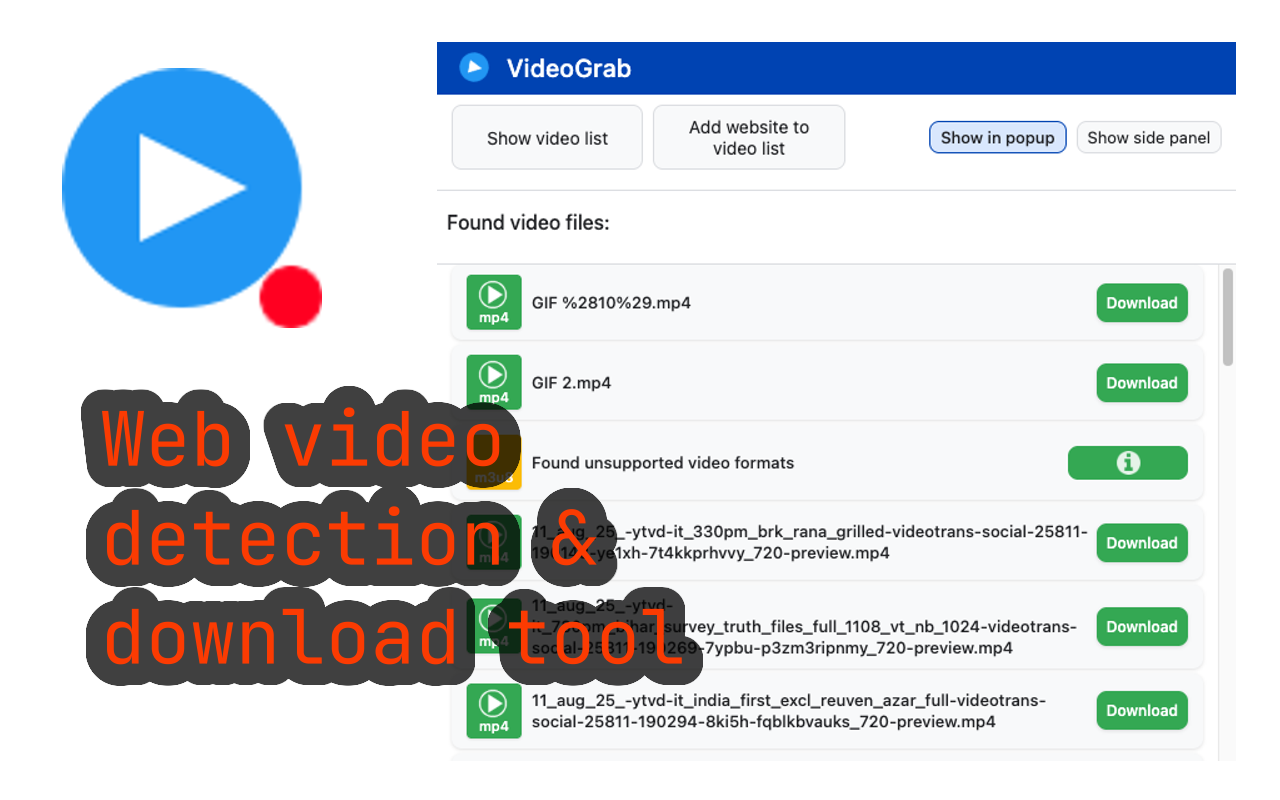
VideoGrab detects video files on any webpage and lets you download them with one click. It finds videos embedded in the page source, including those that don’t have a visible download button.
Install from Chrome Web Store →
Key features
Auto-detection — Automatically finds video files on the current page. The icon lights up when videos are detected.
Multiple formats — Supports MP4, WebM, M3U8, and other common video formats.
Quality selection — When multiple qualities are available, choose the one you want.
Side panel — View all detected videos in a convenient side panel without leaving the page.
How to use
- Visit a page with video content
- The VideoGrab icon turns green when videos are detected
- Click the icon to see available videos
- Click the download button next to the video you want
Limitations
- Does not work on DRM-protected content (Netflix, Disney+, etc.)
- Some sites use streaming formats that require additional processing
- Very large files may take time to download
Privacy
VideoGrab processes video detection locally in your browser. No browsing data is collected or transmitted.
Support
Having issues? Contact us or leave a review on the Chrome Web Store.